Healthcare practices have more time to prepare, but HIPAA enforcement has not stopped.
The proposed HIPAA Security Rule updates remain on hold until July 2027, giving healthcare organizations additional time to strengthen their cybersecurity safeguards. This date is still tentative, but organizations should use this time wisely.
However, delays do not eliminate existing HIPAA requirements or reduce an organization’s responsibility to protect patient information.
The Department of Health and Human Services (HHS) continues to enforce the current HIPAA Security Rule.
Medical practices, dental offices, and business associates should use this additional time wisely.
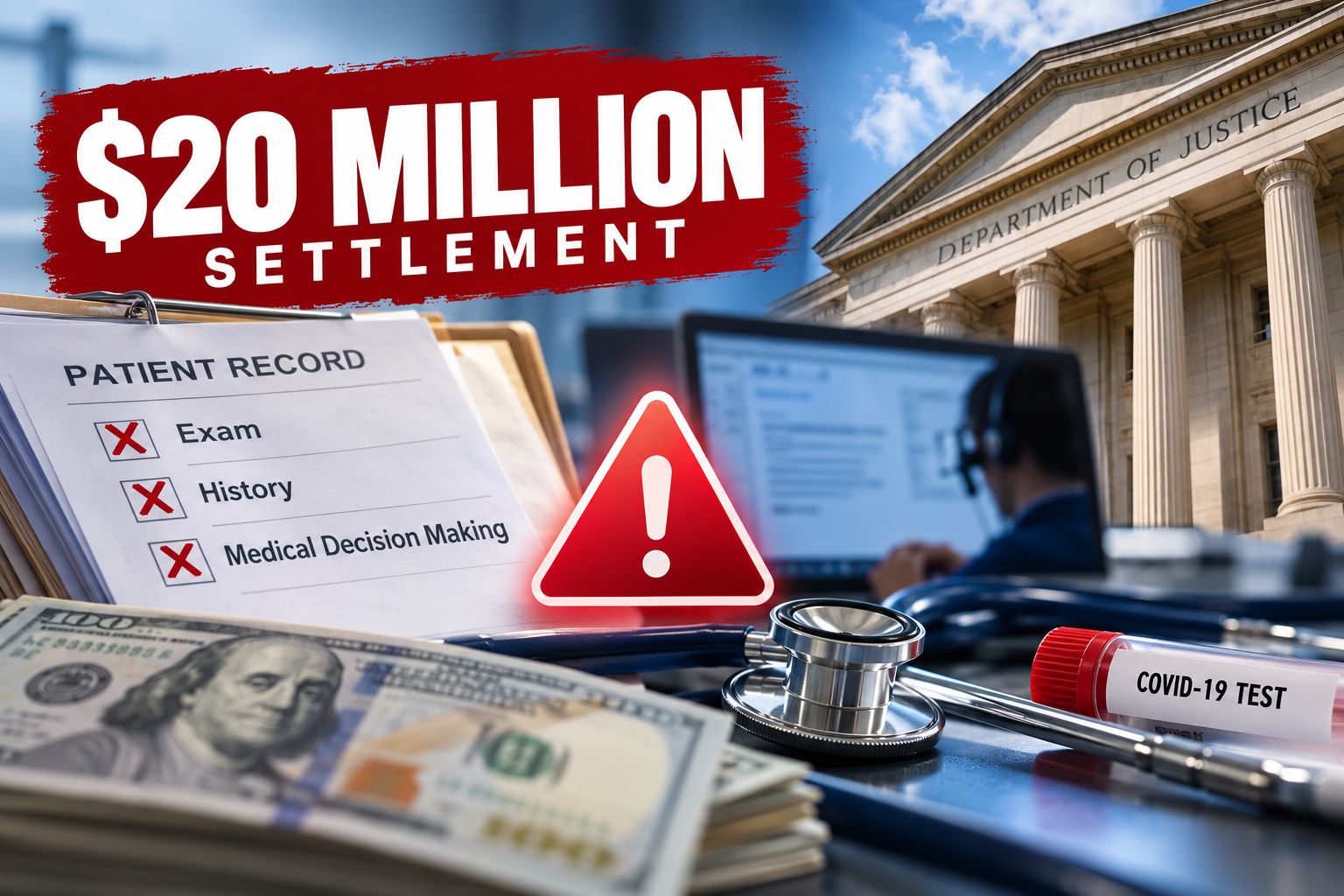
Waiting for the final rule could leave your organization vulnerable to cyberattacks, data breaches, and costly enforcement actions.
What Is Changing Under the Proposed Security Rule?
HHS proposed significant changes to strengthen cybersecurity protections across the healthcare industry.
The proposed updates would remove the distinction between “required” and “addressable” implementation specifications and make all implementation specifications with specific security requirements and reduce flexibility in certain areas.
Although these changes are not final, they provide a clear picture of federal cybersecurity priorities.
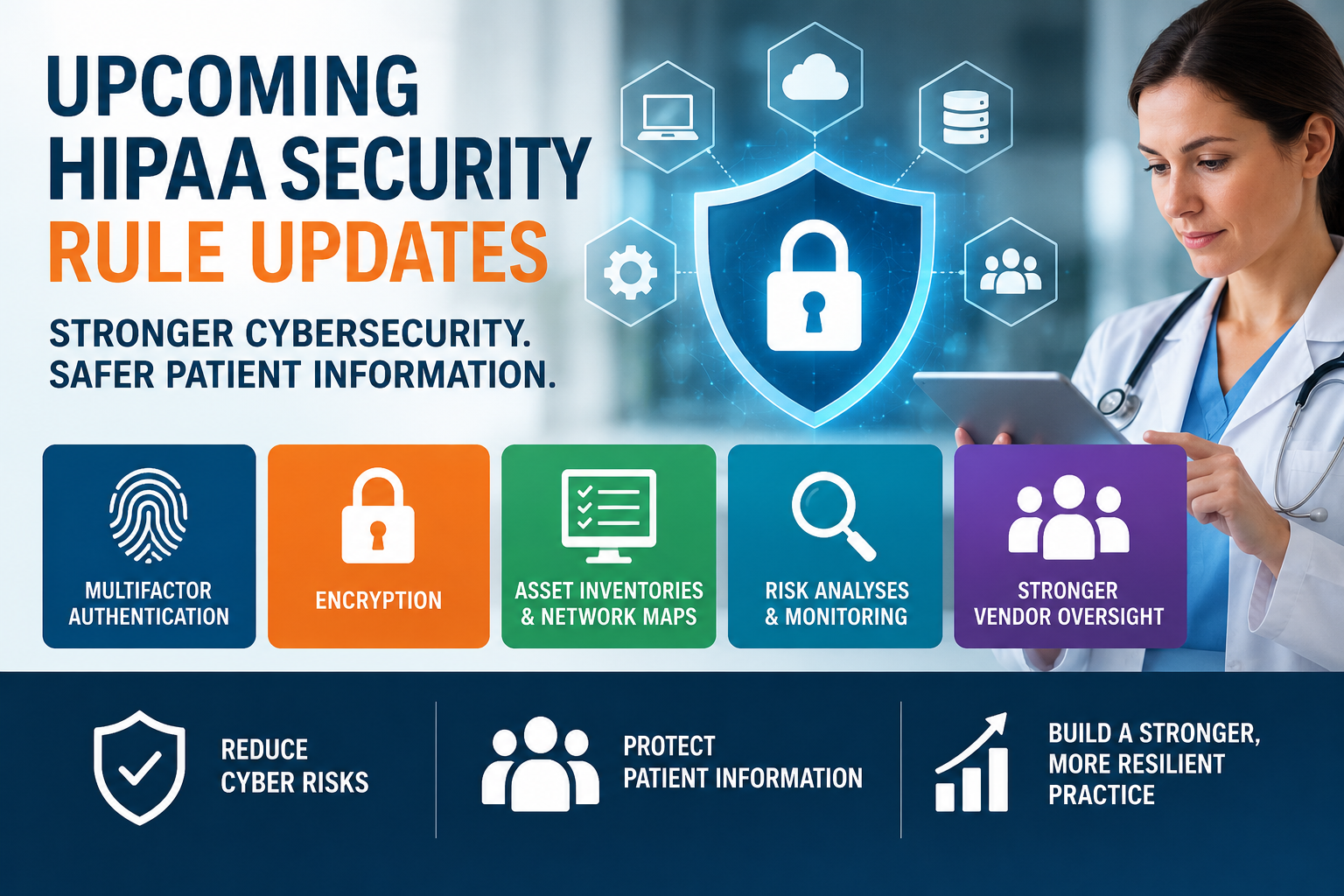
1. Multifactor Authentication (MFA)
The proposal would require multifactor authentication for accessing systems containing electronic protected health information (ePHI), with limited exceptions. MFA adds another layer of protection when criminals steal or compromise passwords. Organizations should prioritize MFA for email, remote access, administrative accounts, and systems containing patient information.
2. Stronger Encryption Requirements
The proposal would generally require encryption of ePHI at rest and during transmission, subject to limited exceptions. Encryption helps protect sensitive information when criminals steal devices or intercept electronic communications. Organizations should review encryption settings across computers, servers, mobile devices, cloud platforms, and backup systems.
3. Technology Asset Inventories and Network Maps
The proposed updates would require organizations to maintain technology asset inventories and network maps and review and update at least every 12 months. These documents would identify systems, devices, applications, and connections involving ePHI. Accurate inventories help organizations identify vulnerabilities, unauthorized connections, and outdated technology. Network maps should also identify third-party connections and systems that process patient information, including AI.
4. More Comprehensive Security Risk Analyses
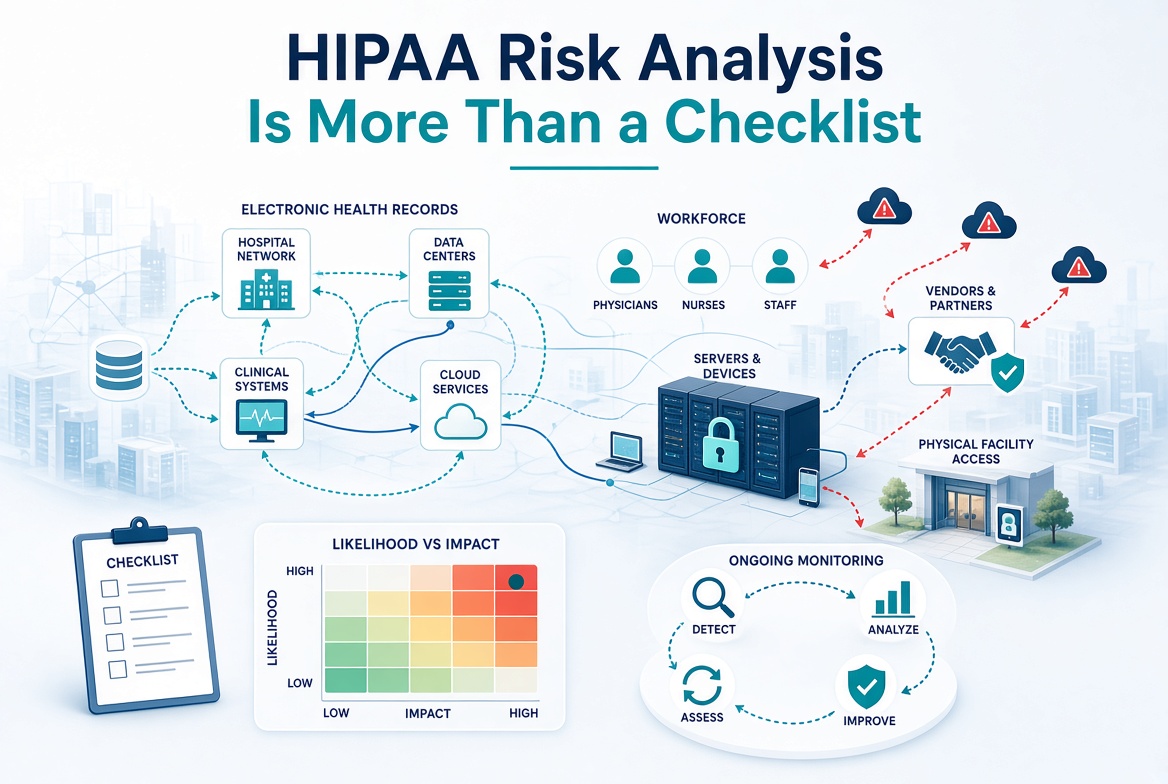
The current Security Rule already requires organizations to conduct an accurate and thorough security risk analysis. The proposal would establish more detailed requirements for identifying threats, vulnerabilities, and potential risks to ePHI. Organizations must also address identified risks through appropriate security measures. A completed questionnaire alone does not demonstrate that an organization has addressed its security vulnerabilities.
5. Enhanced Audit Controls and Monitoring
The proposed updates would strengthen requirements for monitoring electronic systems and reviewing activity involving ePHI. Organizations should maintain audit logs that help identify unauthorized access, suspicious activity, and potential security incidents. Regular reviews can reveal unusual behavior before a minor incident becomes a significant breach.
6. Vulnerability Scanning and Penetration Testing
The proposal would establish specific vulnerability scanning and penetration testing requirements. Vulnerability scanning helps identify weaknesses in software, devices, and network configurations. Penetration testing evaluates whether attackers could exploit security weaknesses. Organizations should already evaluate their exposure to cybersecurity threats and implement appropriate safeguards. Require regulated entities to conduct a compliance audit at least once every 12 months to ensure their compliance with the Security Rule requirements.
7. Stronger Backup and Disaster Recovery Protections
The proposed updates would strengthen contingency planning, backup verification, and recovery testing requirements. Healthcare organizations must prepare for ransomware attacks, system failures, natural disasters, and other emergencies. Regular testing helps confirm that organizations can restore critical information and continue essential operations. Establish written procedures to restore the loss of certain relevant electronic information systems and data within 72 hours.
8. Greater Oversight of Business Associates
Business associates already have direct HIPAA Security Rule responsibilities when handling ePHI. The proposal would add specific requirements involving written verification of technical safeguards. Covered entities should verify that vendors maintain appropriate security protections rather than relying solely on signed agreements. A qualified subject expert must review relevant electronic information systems to confirm that required safeguards protect ePHI. The business associate or subcontractor must provide written certification confirming the expert completed an accurate analysis. Business associates must provide this verification to covered entities, while subcontractors must provide it to their business associates. This includes IT providers, billing companies, cloud vendors, and other organizations accessing patient information. The proposed Security Rule would require business associates and their subcontractors to verify their technical safeguards at least annually.
The current HIPAA Security Rule remains enforceable, regardless of the proposed updates.
What Medical Practices and Business Associates Must Do Today
Organizations must continue implementing appropriate administrative, physical, and technical safeguards.
These responsibilities include:
- Conducting accurate and thorough security risk analyses.
- Implementing risk management measures to address identified vulnerabilities.
- Maintaining current HIPAA policies and procedures.
- Training employees on their security responsibilities.
- Establishing appropriate access controls and audit controls.
- Protecting workstations, devices, networks, and electronic patient information.
- Maintaining security incident response and contingency plans.
- Evaluating business associates and maintaining required agreements.
- Reviewing security safeguards when systems, technology, or business operations change.
Organizations must document their compliance efforts and maintain evidence supporting their security decisions.
Why Waiting Could Cost Your Organization
Cybercriminals do not wait for federal regulations to become final. They continue targeting healthcare organizations through phishing, ransomware, compromised credentials, and vulnerable systems.
Smaller medical and dental practices are not immune to these threats. Business associates are also targeted to gain access to a medical practice.
A single security incident can interrupt patient care, expose sensitive information, and create significant financial consequences.
A postponed regulation does not mean postponed responsibility.
Organizations that prepare now can reduce risks while avoiding rushed compliance efforts when new requirements take effect.
How the HIPAA Keeper™ Helps You Prepare
At Aris Medical Solutions, we believe HIPAA compliance should be manageable, organized, and ongoing. Our HIPAA Keeper™ platform helps medical practices and business associates maintain essential compliance documentation.
The platform includes security risk analyses, risk management plans, policies, employee training, business associate agreements, and incident response documentation. Our program also helps organizations track compliance activities and prepare documentation for regulatory reviews.
As regulations evolve, we help clients understand new requirements and update their compliance programs.
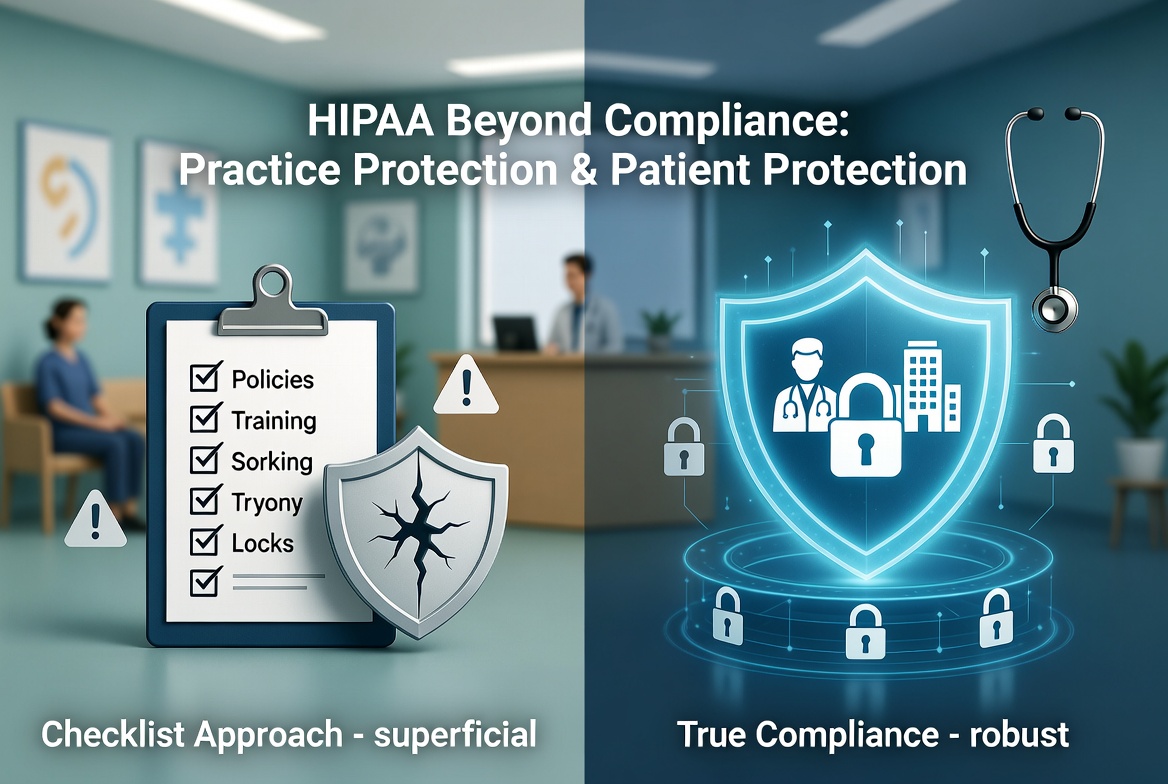
HIPAA compliance is not a one-time project. It requires continuous attention, documentation, and improvement.
Don’t Wait for the Final Rule!
The proposed HIPAA Security Rule updates may be postponed, but the need for stronger cybersecurity protections remains.
Use this additional time to evaluate your safeguards, address vulnerabilities, and strengthen your compliance documentation.
When was the last time your organization updated its HIPAA security risk analysis?
Aris Medical Solutions can help you identify compliance gaps and prepare for upcoming changes.

Schedule your HIPAA compliance review today and protect your organization from the next enforcement headline.
Your Trusted Partner for HIPAA Compliance since 2009
Regulatory sources
For publication, these official references support the article: